
Create YouTube Thumbnails That Get More Clicks
Turn Your Video Ideas Into Eye-Catching Thumbnails Designed To Grab Attention And Increase Click-Through Rates
Create professional thumbnails from simple prompts, add your own photos and products, generate multiple variations, and edit your designs with AI — without Photoshop or design skills
Get More Clicks From The Video You Publish
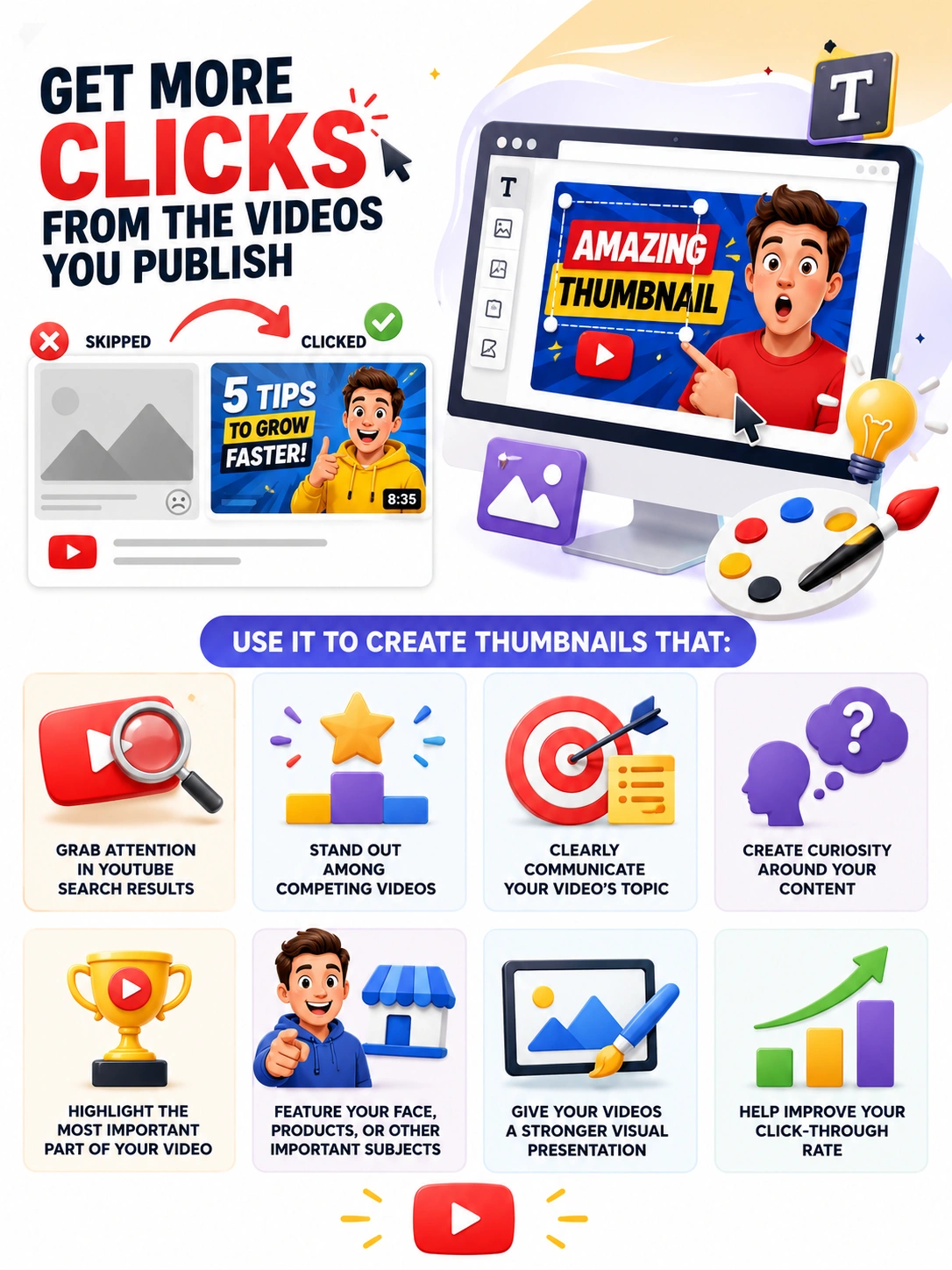
Your video thumbnail is one of the first things viewers see when browsing YouTube.
A strong thumbnail can make your video stand out, communicate the subject of your content, create curiosity, and give viewers a reason to click.
Amazing Thumbnail gives you a simple way to create those visuals without spending hours designing them yourself.
Use it to create thumbnails that:
-> Grab attention in YouTube search results
-> Stand out among competing videos
-> Clearly communicate your video's topic
-> Create curiosity around your content
-> Highlight the most important part of your video
-> Feature your face, products, or other important subjects
-> Give your videos a stronger visual presentation
-> Help improve your click-through rate
Introducing: Amazing Thumbnail
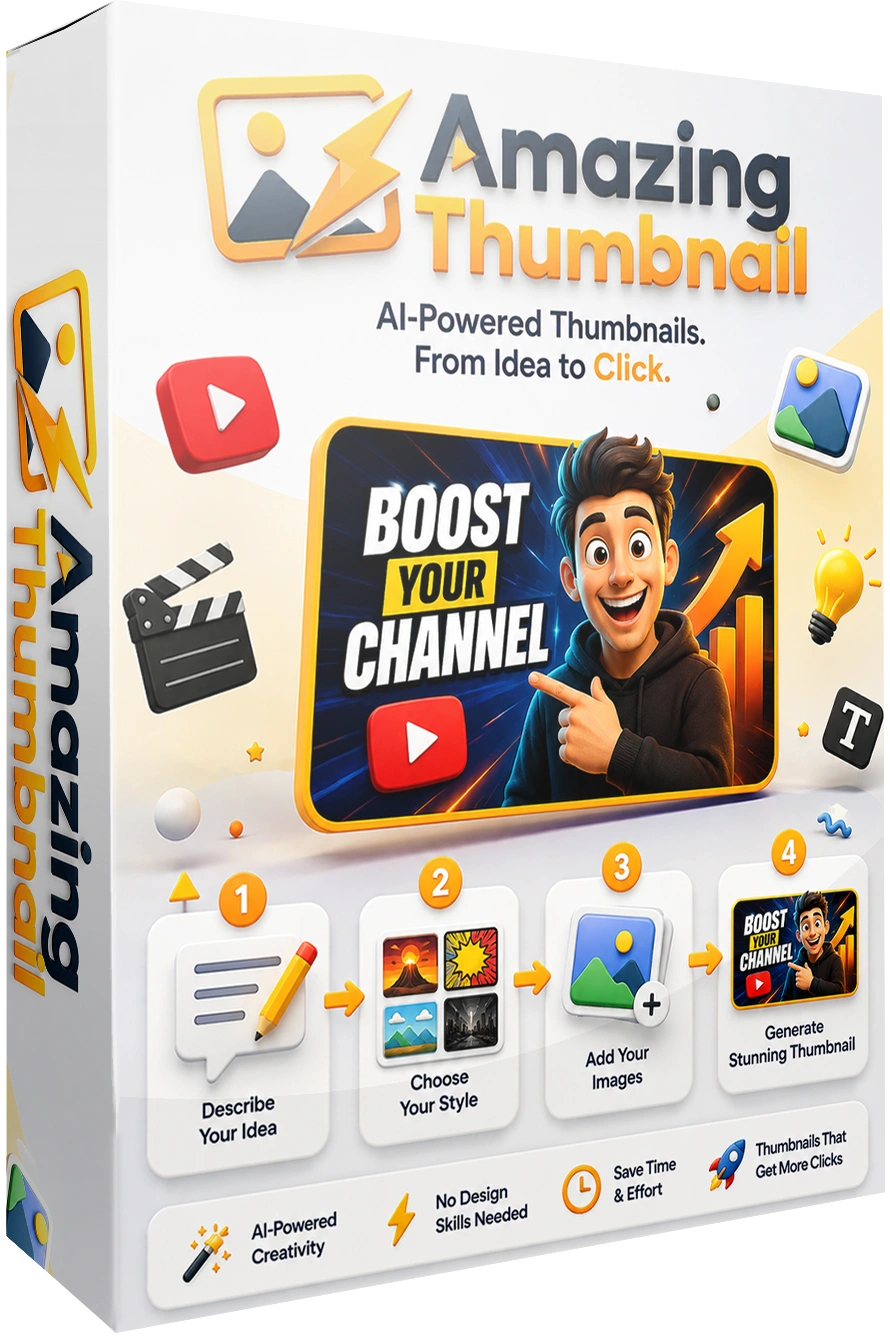
Amazing Thumbnail is an AI-powered thumbnail creation platform that turns your ideas into ready-to-use YouTube and Shorts thumbnails.
Simply describe what you want to create, choose your preferred style, add your own images if needed, and generate your thumbnail.
You can create completely original designs without learning Photoshop, hiring a designer, or spending hours manually assembling every element.
With Amazing Thumbnail, you can:
>> Create thumbnails from simple text prompts
>> Generate YouTube and Shorts thumbnails
>> Add your own face or other subjects
>> Add your own products
>> Add custom background images
>> Generate up to 4 variations from one idea
>> Choose different visual styles
>> Add custom thumbnail text
>> Edit existing thumbnails using simple instructions
>> Change backgrounds, colors, clothing, objects, expressions, and more
>> Organize your designs in your thumbnail gallery
Create Thumbnails Around Your Actual Videos
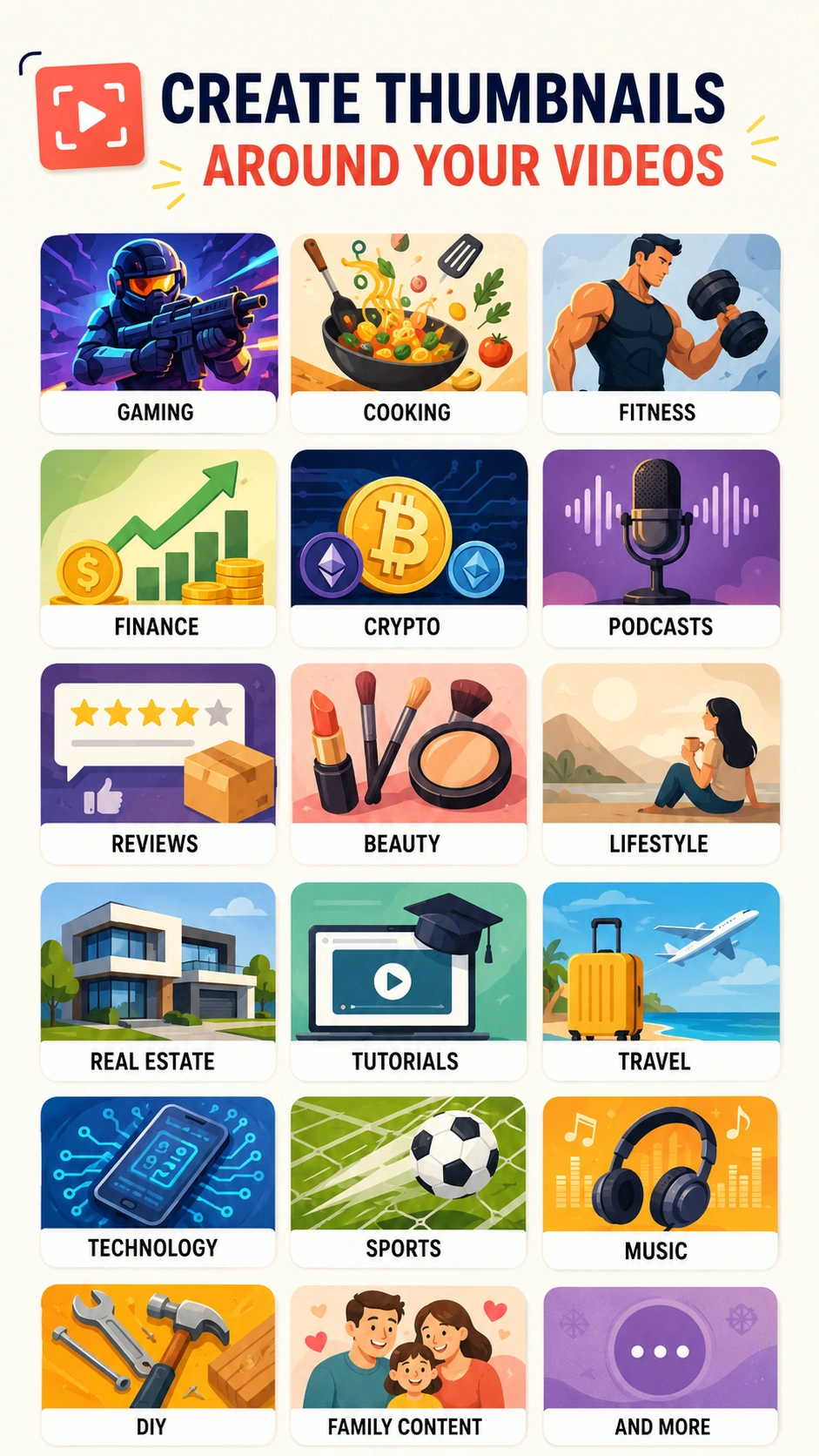
A thumbnail should give viewers an immediate idea of what your video is about.
Amazing Thumbnail lets you build your thumbnail around the actual subject, story, product, or idea behind your video.
Whether you publish gaming videos, tutorials, product reviews, travel content, podcasts, finance videos, cooking videos, or entertainment content, you can create a thumbnail specifically for that video.
Create thumbnails for:
->Gaming
->Cooking
->Fitness
->Finance
->Crypto
->Podcasts
->Reviews
->Beauty
->Lifestyle
->Real Estate
->Tutorials
->Travel
->Technology
->Sports
->Music
->DIY
->Family content
->And more
Turn A Simple Idea Into A Complete Thumbnail
You do not need to design your thumbnail from scratch.
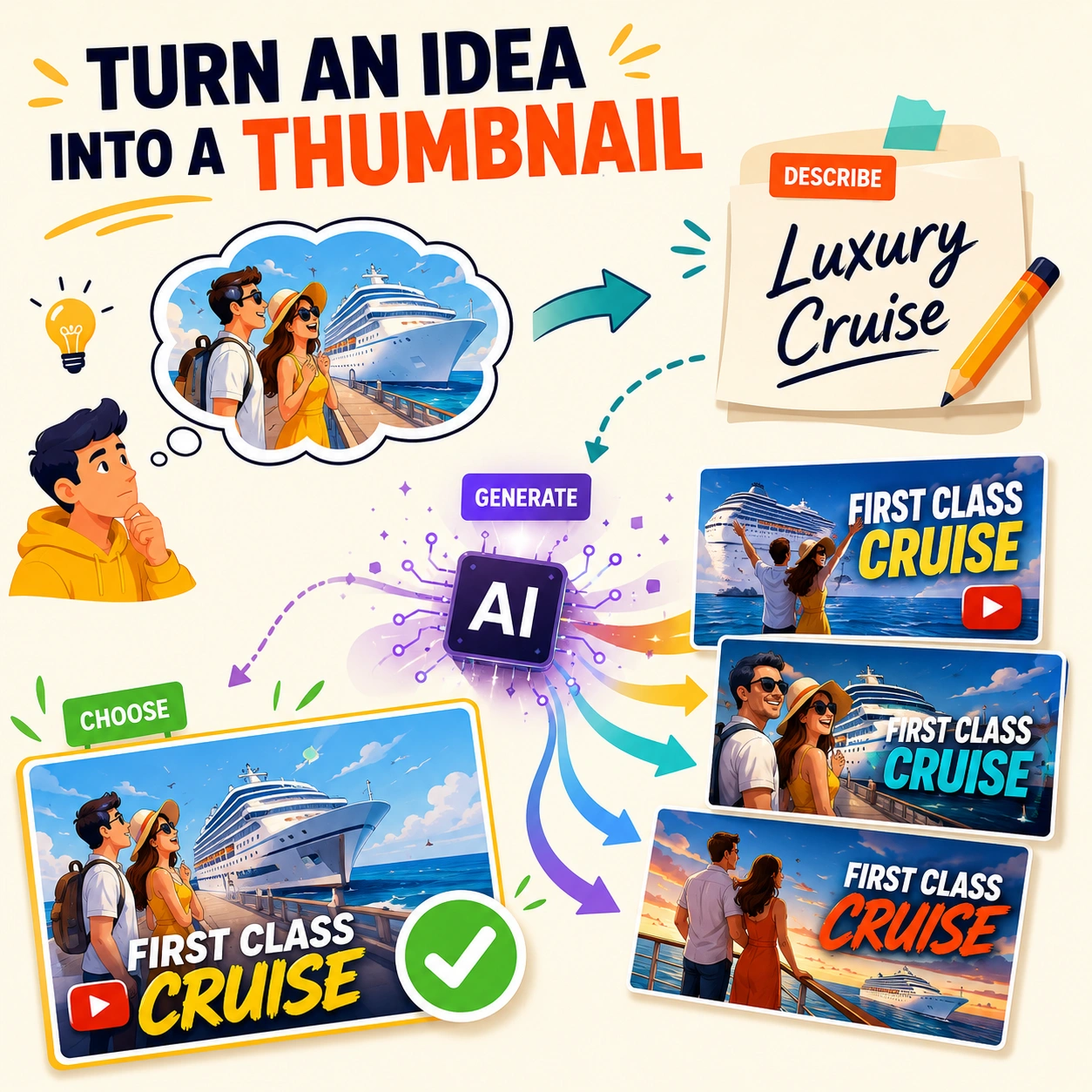
Describe the image you want in plain English.
For example:
"A couple excited to board a luxury cruise ship with dramatic ocean scenery and bold text saying FIRST CLASS CRUISE."
Amazing Thumbnail can turn that description into a complete thumbnail concept.
You can then generate multiple versions and choose the one that best fits your video.
Your idea provides the direction. AI handles the design work.
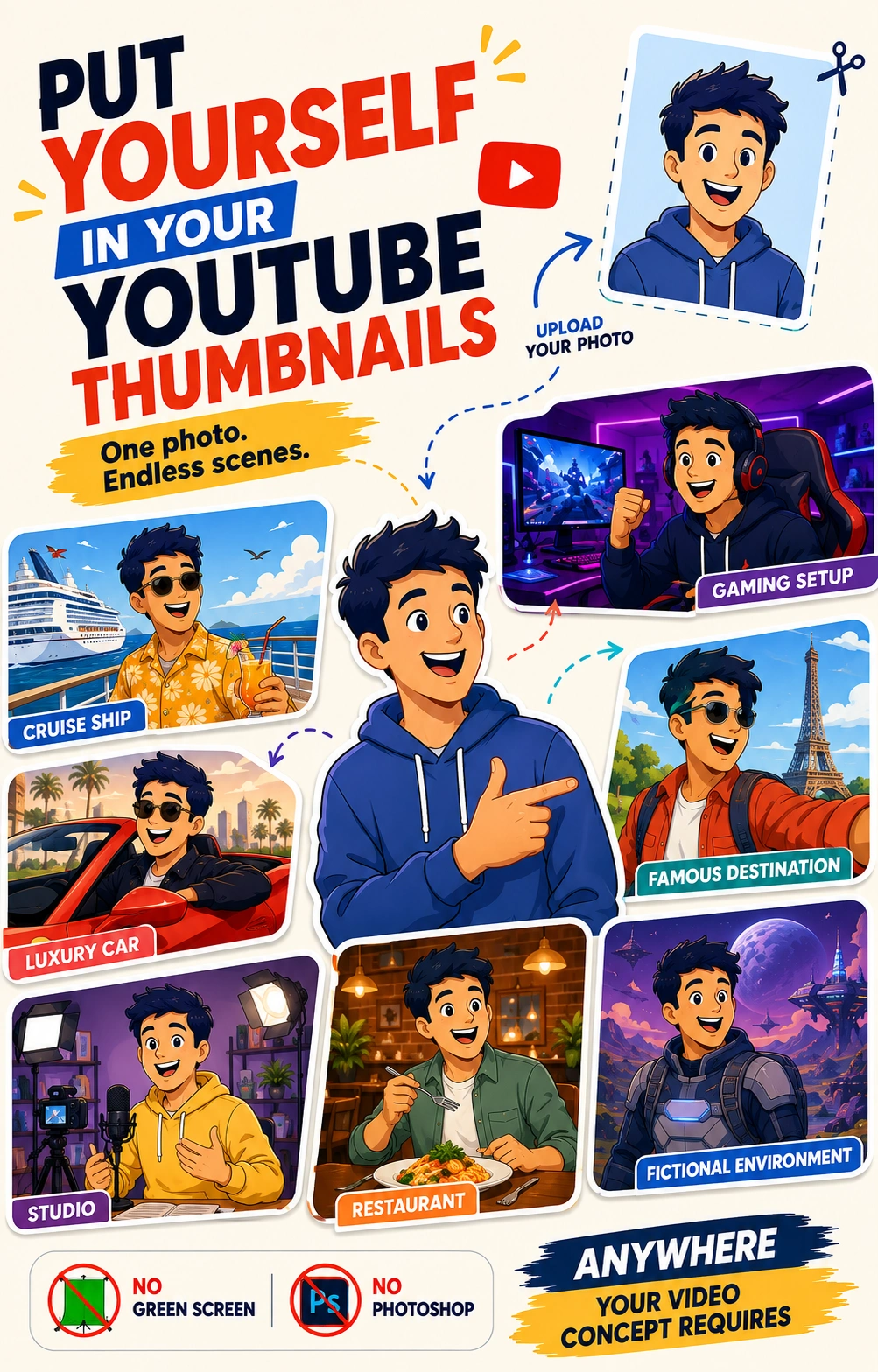
Put Yourself In Your YouTube Thumbnails
Want your audience to recognize your videos immediately?
Upload a photo of yourself and use it as the subject of your thumbnail.
Amazing Thumbnail can separate you from your original background and place you into a completely different scene.
Put yourself:
->On a cruise ship
->In a gaming setup
->In a luxury car
->At a famous destination
->Inside a studio
->In a restaurant
->In a fictional environment
->Anywhere your video concept requires
No green screen. No manual background removal. No Photoshop.
Feature Your Products In Your Thumbnails
If your video is about a product, show the actual product in the thumbnail.
Upload your product image and Amazing Thumbnail can incorporate it into the scene you want to create.
Use it for:
->Product reviews
->Software reviews
->Unboxings
->Product demonstrations
->Affiliate promotions
->Ecommerce videos
->Tutorials
->Product launches
Create a thumbnail that immediately shows viewers what your video is about.

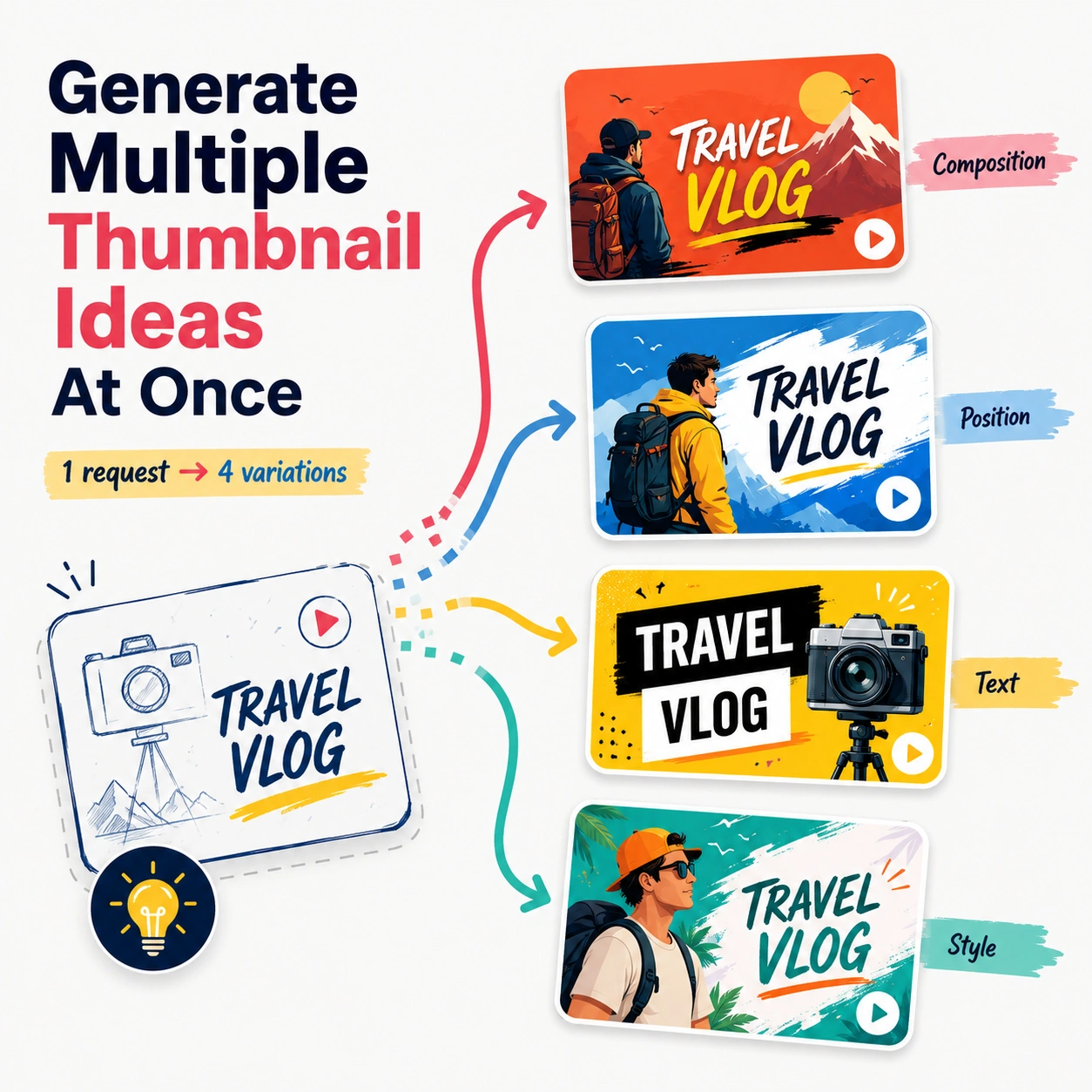
Generate Multiple Thumbnail Ideas At Once
One concept can produce several different thumbnail options.
Amazing Thumbnail lets you generate up to four variations from a single request.
Create different versions with changes to:
->Composition
->Background
->Subject positioning
->Text
->Colors
->Visual style
->Overall presentation
Review the variations and choose the one that best represents your video.
Edit Your Thumbnail With Simple Instructions
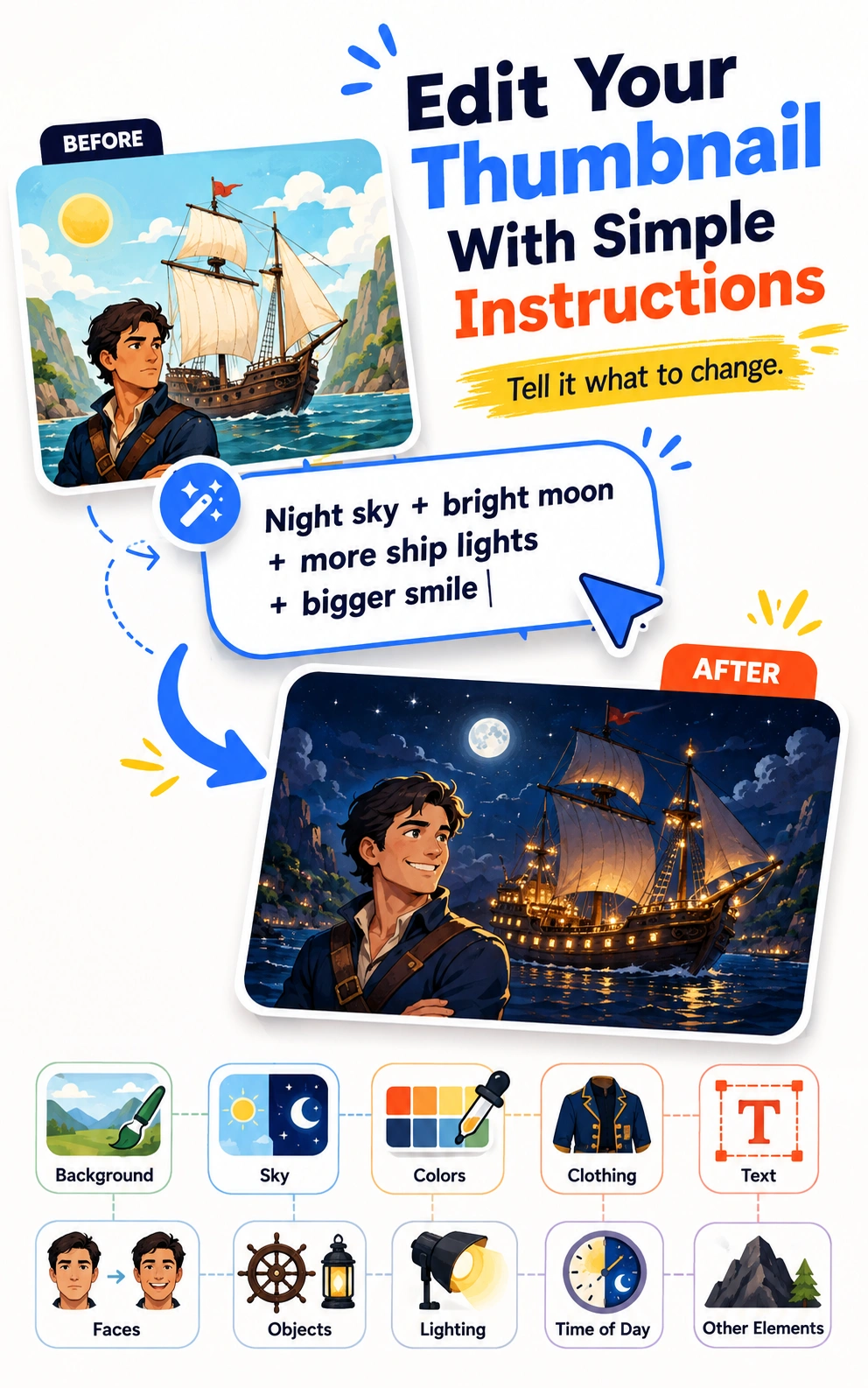
Creating the first version is only the beginning.
If you want to change something, simply tell Amazing Thumbnail what you want to change.
For example:
"Make the sky nighttime with a bright moon. Add more lights to the ship and make the man smile more."
You can request changes to:
->Backgrounds
->Sky
->Colors
->Clothing
->Fonts
->Text
->Facial expressions
->Objects
->Subjects
->Lighting
->Time of day
->Other visual elements
Make the change with words instead of rebuilding the entire design yourself.
Add Your Own Photos For More Personalized Thumbnails
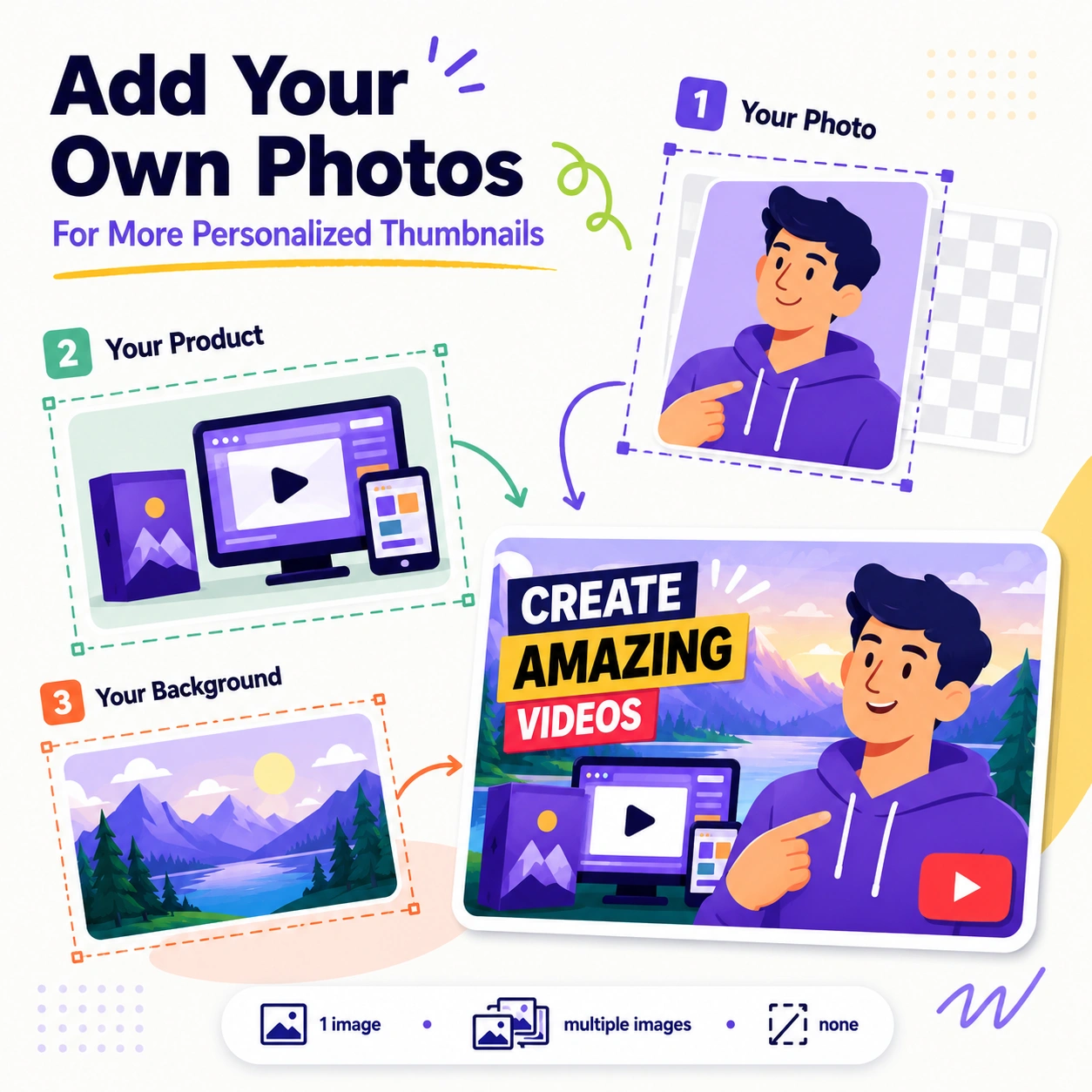
You can create thumbnails entirely from a text prompt, or provide your own images for a more personalized result.
Upload:
1. Your Photo
Feature yourself or another person in the thumbnail
2.Your Product
Show the actual product featured in your video
3.Your Background
Use a specific location or image as the foundation of your design.
You can use one image, multiple images, or none at all.
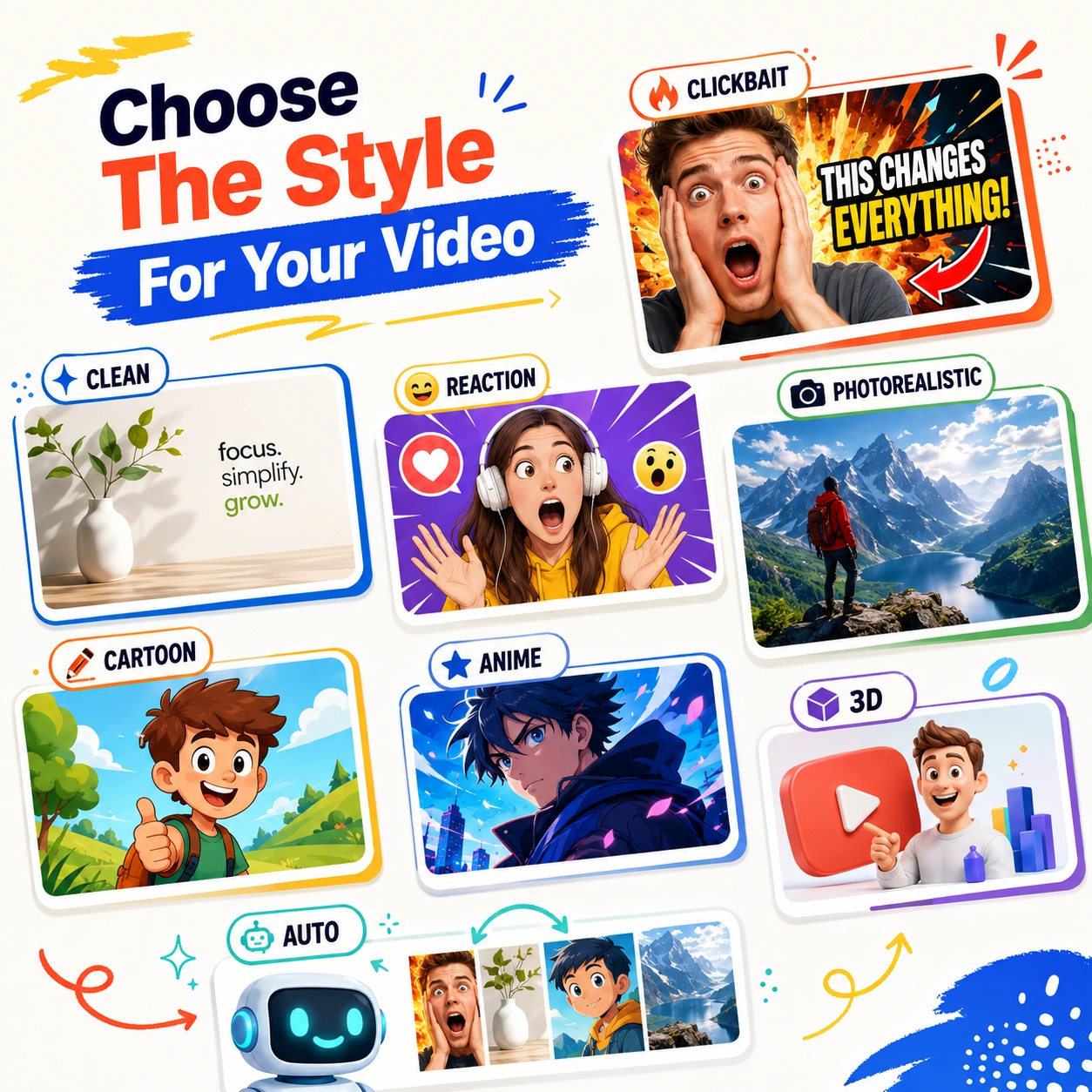
Choose The Style For Your Video
Different videos need different visual presentations.
Amazing Thumbnail gives you control over the look of your design.
Choose styles such as:
->Clickbait
->Clean
->Reaction
->Photorealistic
->Cartoon
->Anime
->3D
->And more
You can also use Auto and let the AI select a suitable visual direction for your thumbnail.
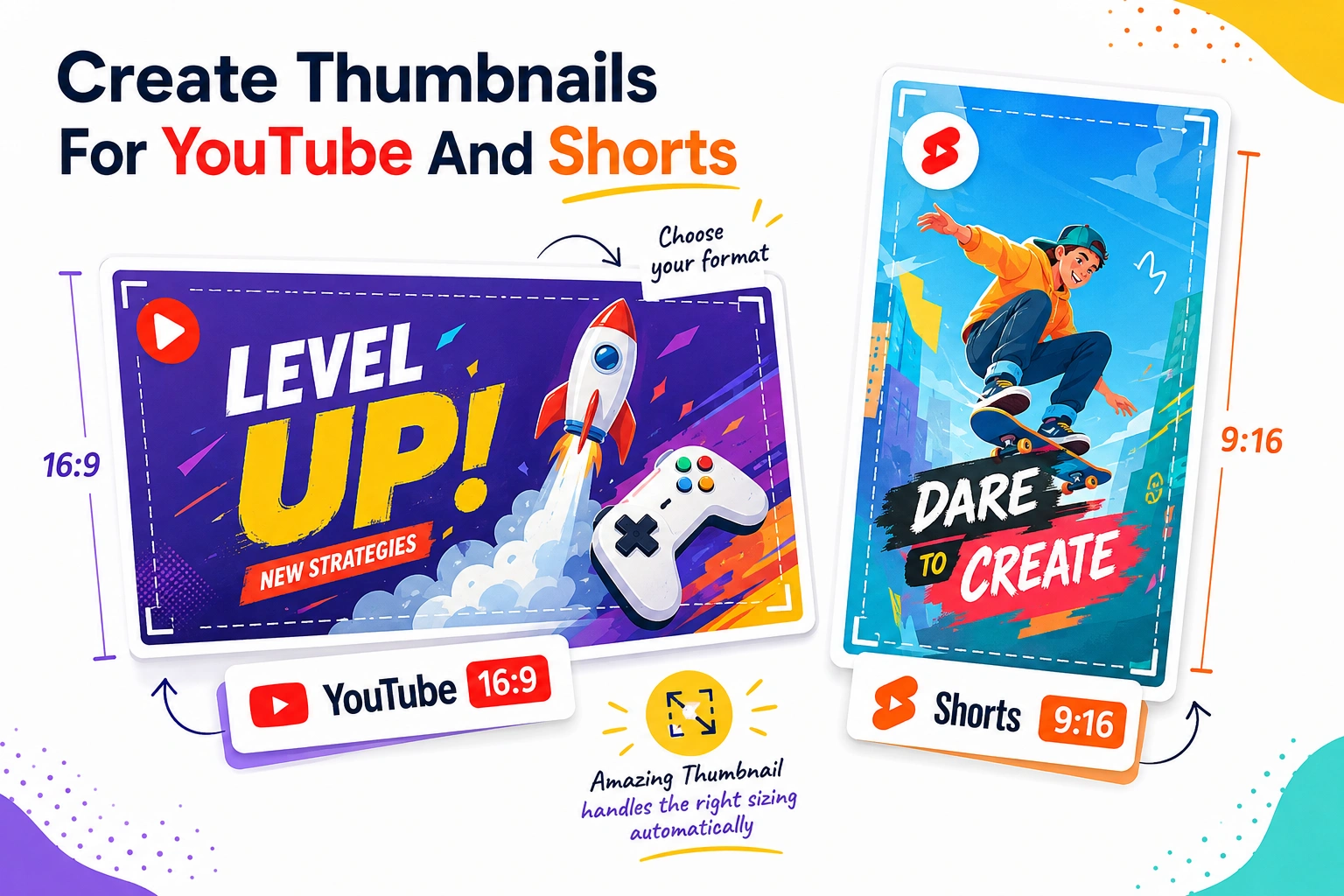
Create Thumbnails For YouTube And Shorts
Amazing Thumbnail supports both major video formats.
1.YouTube
Create thumbnails in the standard 16:9 format
2.Shorts
Create vertical 9:16 visuals for your Shorts content
Choose the format when you create your project and Amazing Thumbnail handles the appropriate sizing.
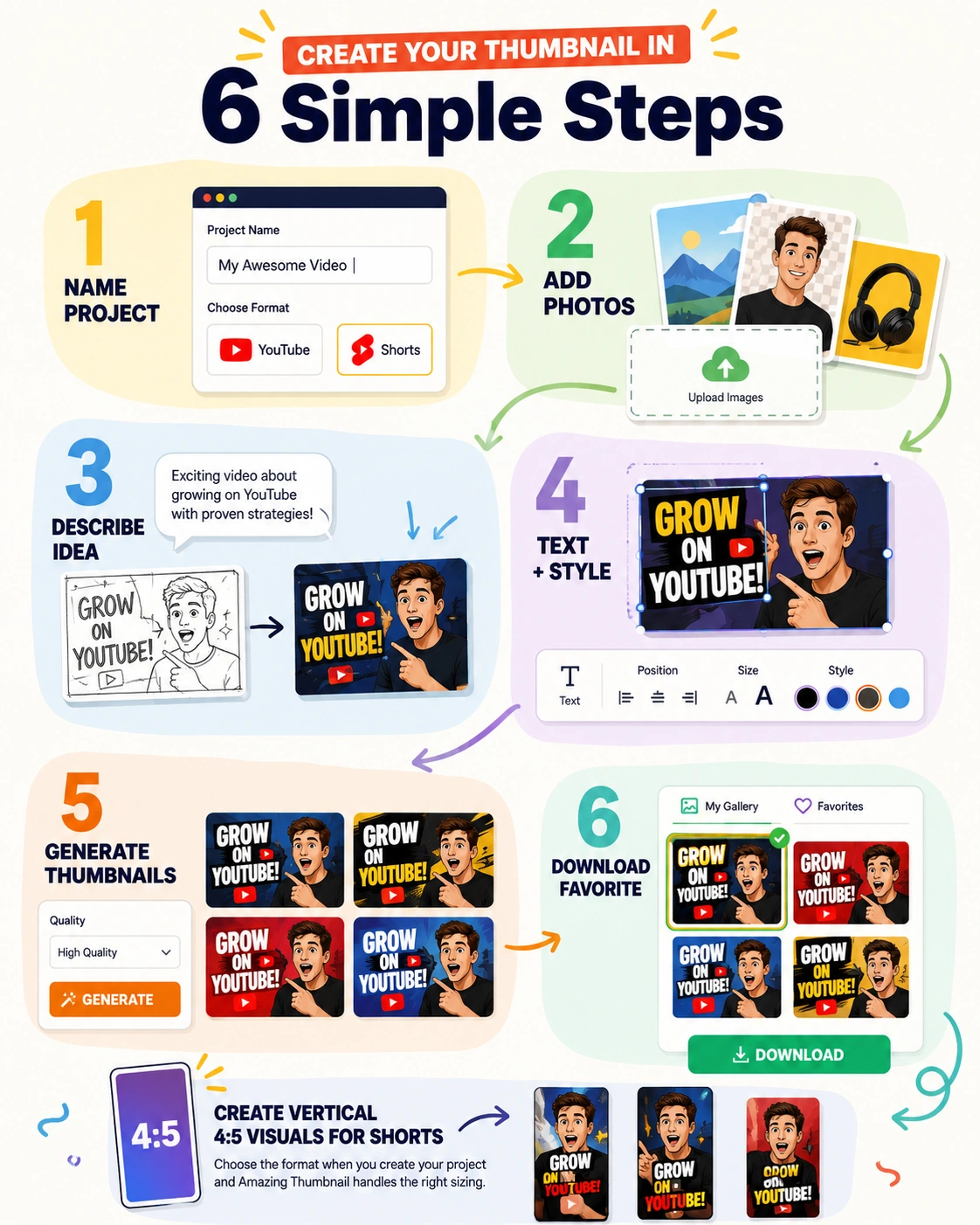
Create Your Thumnail in 6 Simple Steps
Step 1 — Name Your Project
Give your project a name and choose your YouTube or Shorts format
Step 2 — Add Your Photos
Upload your subject, product, or background images if you want to use them
Step 3 — Describe Your Idea
Enter your thumbnail concept using simple words
Step 4 — Set Your Text And Style
Add your overlay text, choose its position and size, and select your preferred visual style
Step 5 — Generate Your Thumbnails
Choose your quality and generate up to four variations
Step 6 — Download Your Favorite
Your finished thumbnails are saved in your gallery so you can review and download the designs you want to use
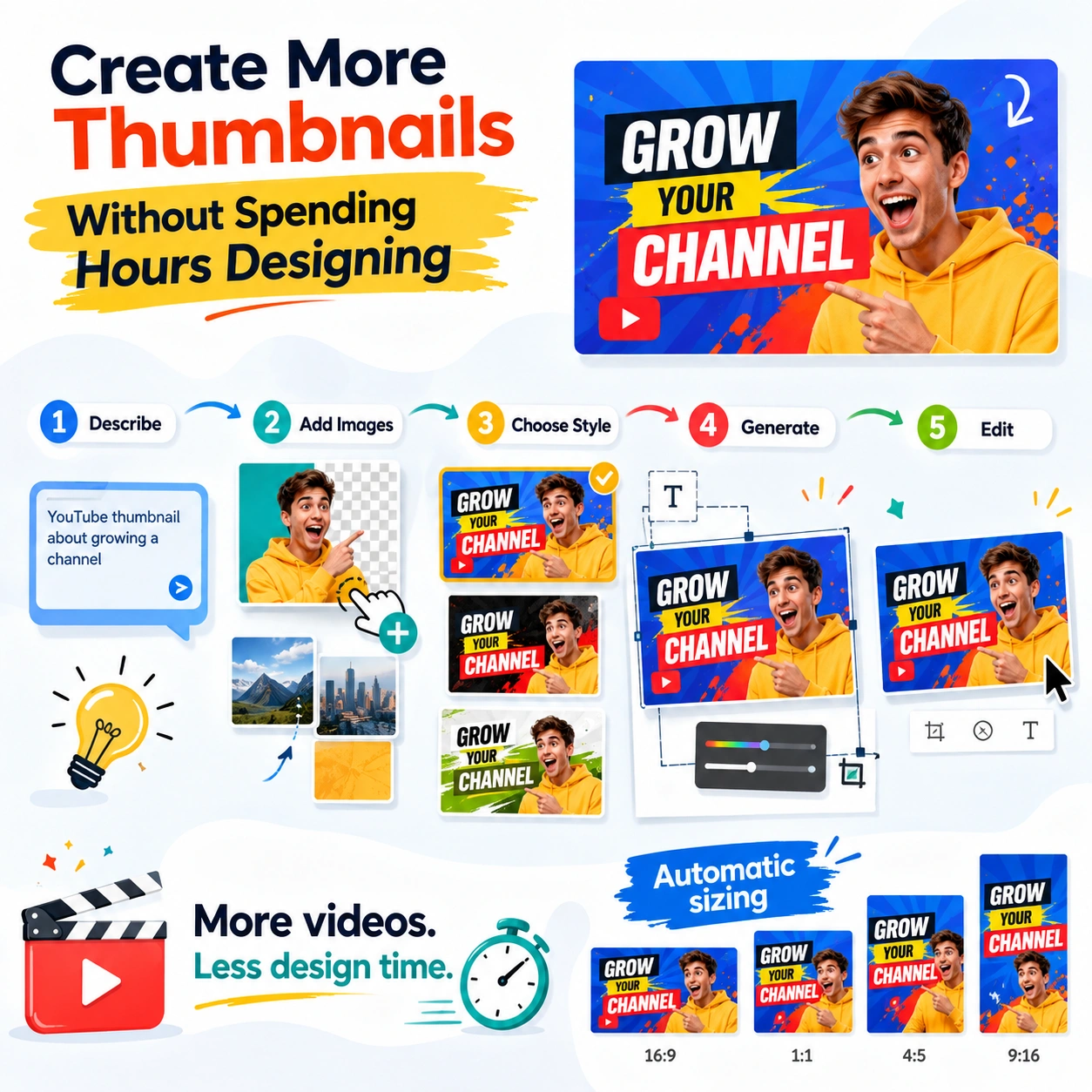
Create More Thumbnails Without Spending
Hours Designing
Creating a single thumbnail manually can involve finding images, removing backgrounds, arranging subjects, creating text effects, adjusting colors, and repeatedly changing the design.
Amazing Thumbnail brings those tasks into one simple workflow.
->Describe the idea.
->Add your images
->Choose your style
->Generate your thumbnail
->Edit it when needed
That means you can spend more time creating videos and less time building the graphics that go with them.
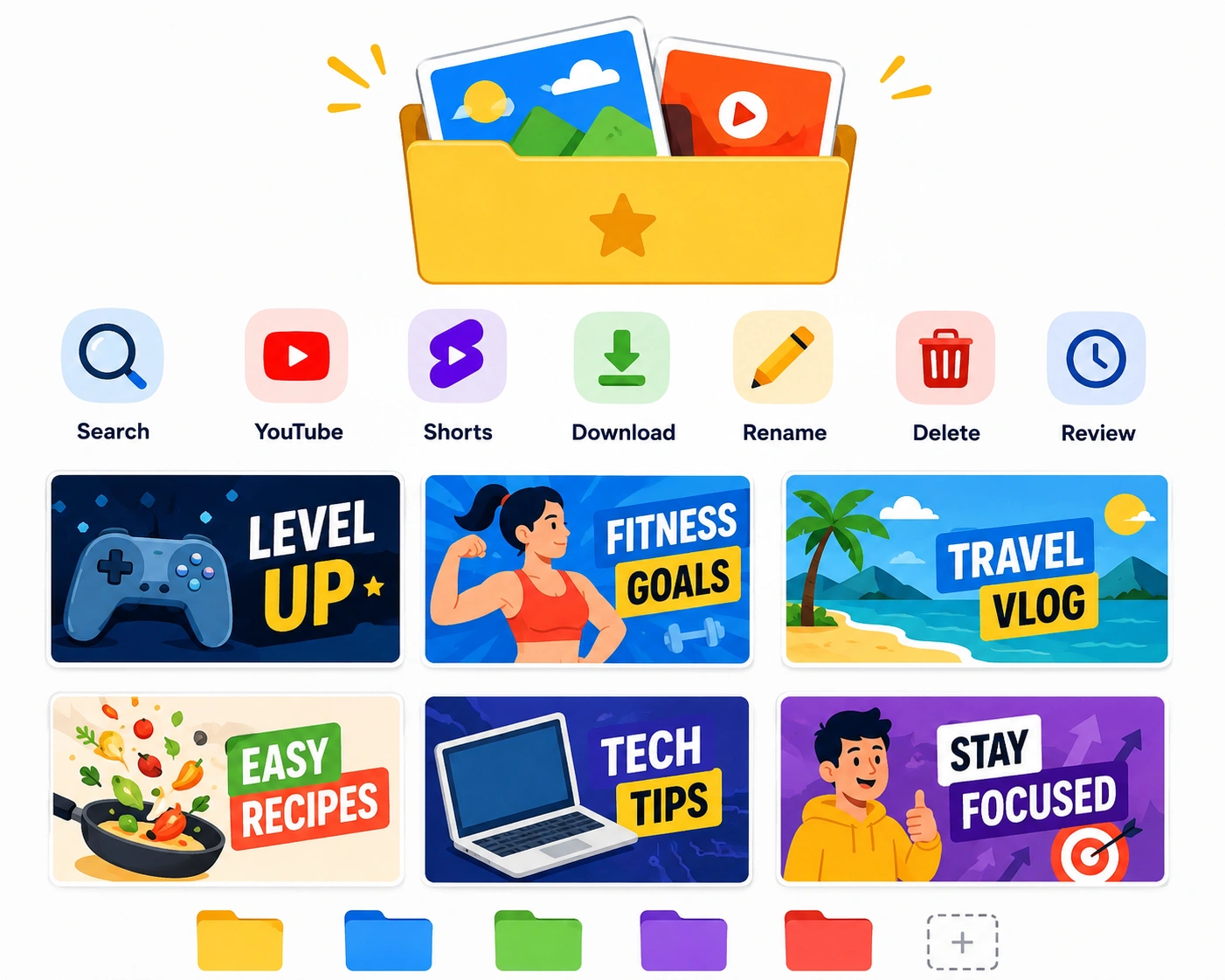
Keep Your Thumbnail Projects Organized
Every generated thumbnail is stored inside your gallery.
You can:
->Search your projects
->Filter YouTube and Shorts thumbnails
->Download individual designs
->Rename projects
->Delete unwanted designs
->Review previous creations
Your thumbnail projects stay organized and easy to access.
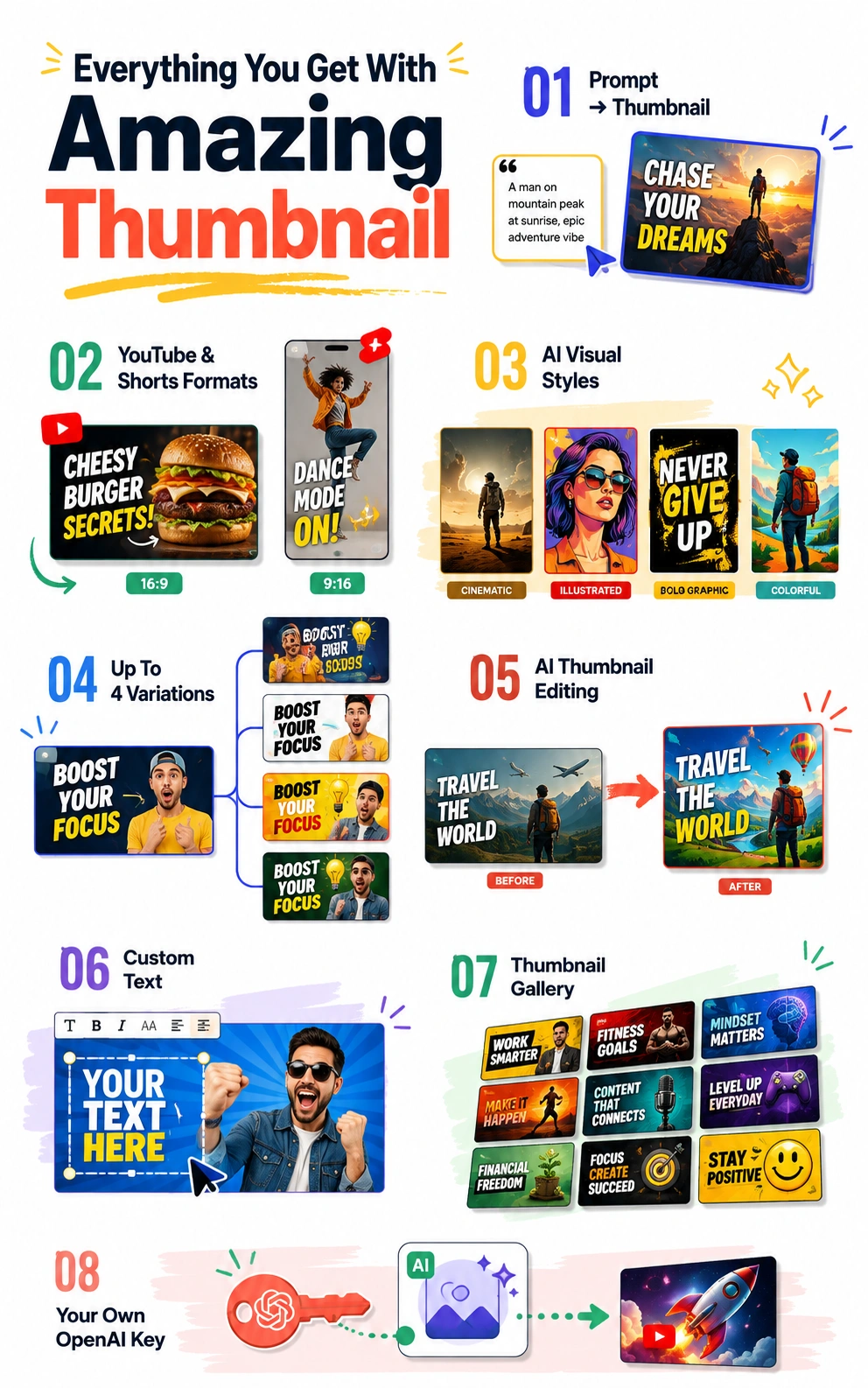
Everything You Get With Amazing Thumbnail
1. Prompt-To-Thumbnail
Describe your idea and generate a complete thumbnail.
2. YouTube & Shorts Formats
Create both 16:9 YouTube thumbnails and 9:16 Shorts visuals
3. AI Visual Styles
Choose from multiple styles and image types
4. Up To 4 Variations
Generate several versions of your thumbnail from one idea
5. AI Thumbnail Editing
Change elements of an existing design using simple text instructions
6. Custom Text
Add your own text and control its placement and size
7. Thumbnail Gallery
Keep your generated thumbnails organized in one place
8. Your Own OpenAI Key
Connect your own OpenAI API key and pay OpenAI directly for the image generation you use
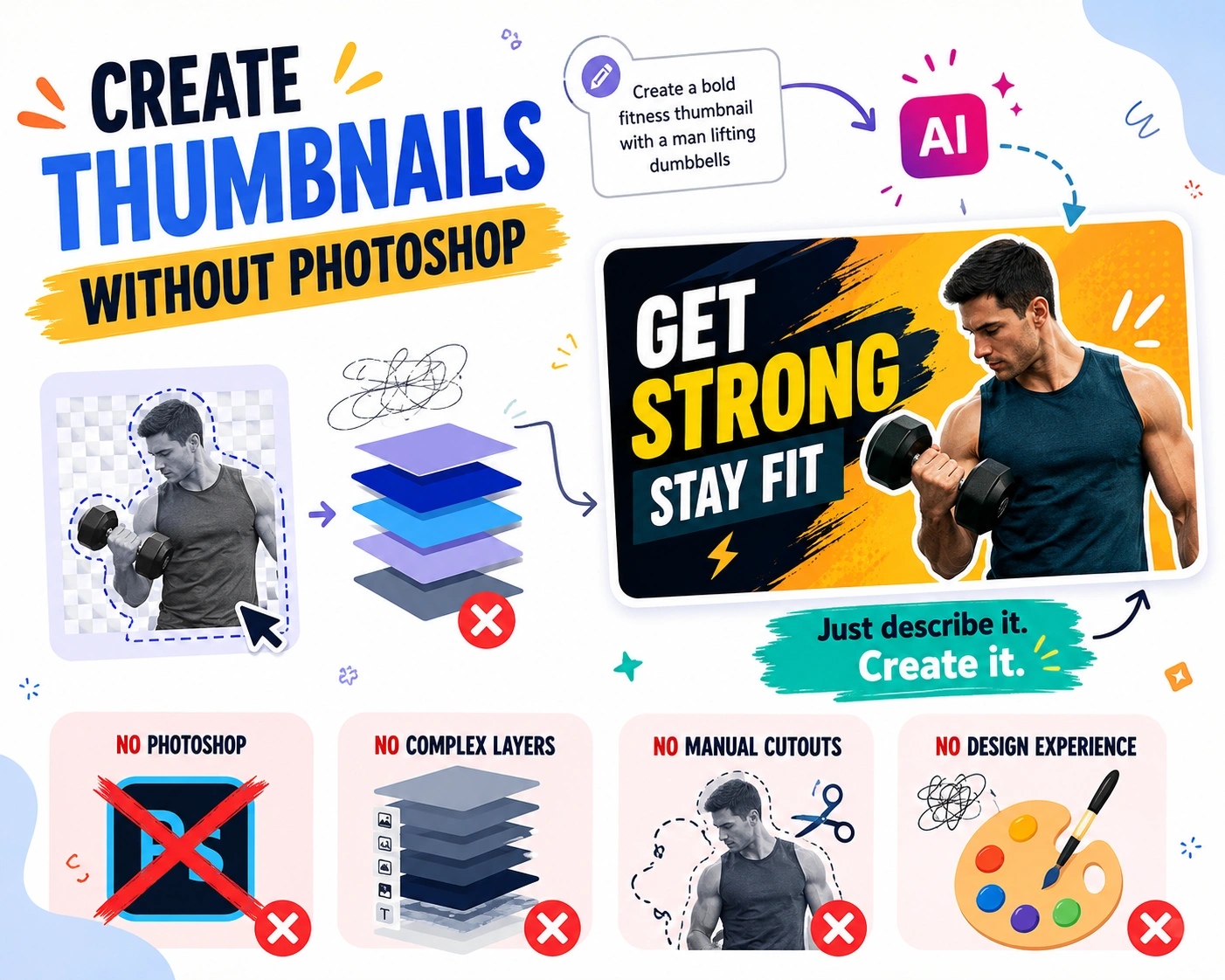
Create Thumbnails Without Photoshop
You do not need to learn complicated design software to create your next thumbnail.
Amazing Thumbnail handles the visual creation process through simple prompts and AI-powered editing.
->No Photoshop
->No complicated layers
->No manual background removal
->No design experience required
Just describe the thumbnail you want and create it.
Create Thumbnails For Any Type Of Video
Amazing Thumbnail can be used for virtually any YouTube content where the thumbnail needs to communicate an idea and attract attention.
Create thumbnails for:
->YouTube channels
->Shorts
->Gaming channels
->Educational videos
->Tutorials
->Product reviews
->Affiliate videos
->Podcasts
->Vlogs
->News and commentary
->Travel videos
->Fitness content
->Finance content
->Business videos
->Entertainment
->Product promotions

Pay Once. No Monthly Software Subscription
Amazing Thumbnail is available with a one-time payment.
You do not pay a recurring software subscription to Amazing Thumbnail.
The platform uses your own OpenAI API key for image generation, allowing you to pay OpenAI directly based on your actual image generation usage.
Amazing Thumbnail
One-Time Payment
OpenAI Image Generation
Paid Directly To OpenAI Based On Your Usage
You control your own OpenAI account and generation costs.

Amazing Thumbnail Gold
Amazing Thumbnail Platinum
This MASSIVE DEAL Closes When
The Timer Reaches Zero
You missed out!
Actual Retail Price Including Bonuses- Pricele$$
100% FREE When You Claim
Amazing Thumbnail Platinum


Retail Value - $14.05

Retail Value - $14.90

Retail Value - $17.00

Retail Value - $17.00
This MASSIVE DEAL Closes When
The Timer Reaches Zero
You missed out!
Actual Retail Price Including Bonuses- Pricele$$
No One Does Value like...5 Dollar Fridays
VISIT 5 DOLLAR FRIDAY STORE
Juliet’s Bonus Gifts
Each giveaway has a genuine retail value between $9.95 and $99.95
Click the button below to access your gift 100% FREE...
(no purchase-Free access)